Narrative CVs

A 'judicious' AI-supported drafting guide

Update (APR 2026)

AI continues to evolve at the pace we’ve come to expect, which is mostly faster than we can keep up with. The bottom line is: AI can write a very good narrative CV draft for you, provided it has the right context to do so. That’s what this page was originally set up to do, and it’s what grounds the design of my new AI chatbot assistant in the Tri-Agency Narrative CV Guide that I built and released as part of my official work at the Knowledge to Impact team. That AI chatbot is definitively the most tuned, tailored option you currently have for having AI write your narrative CV.

If you do have paid access to Claude’s Projects spaces and such, you can approximate what the TCV Guide chatbot offers quite well, but I have tuned that bot to offer the most informed, nuanced drafting support I can. Learn more about how I built the TCV Guide here.

At this time, because I am no longer using NotebookLM myself, I cannot fully endorse or recommend it personally as a method for drafting your narrative CV.

Using Google's NotebookLM To Help Build Your Narrative CV

Current as of: August 2025. Please see the Tri-Agencies’ updated guidance on GenAI usage in writing your applications here.

Overview

In Canada, the three major federal funding agencies (CIHR, SSHRC, and NSERC) are gradually transitioning to the use of a new narrative-style CV for all competitions (see: Tri-Agency CV, Guidelines for Reviewing the Tri-Agency CV) in the coming year. This means that a lot of researchers will be putting together a narrative CV for the very first time.

The Knowledge to Impact at the University of Calgary has put together a supportive resource and website to help support individuals as they draft and craft these new narrative/Tri-Agency CVs (TCV). There is generalized excitement that this format will help people tell the stories of their research differently. But it is also clear that this will be an additional burden on many, who will now need to keep their traditional CVs updated while they craft individualized TCVs for each opportunity they apply for.

In that MSC Guide, it was intentional to exclude any mention of the use of artificial intelligence (AI), as the Tri-Agencies still have not given very explicit guidance on the use of generative AI in either the preparation or evaluation of grant applications. (Update 31 July, 2025: The Tri-Agencies have just now declared that GenAI use is permitted in all funding applications, and that it does not need to be disclosed. Read more here.)

Personally, I have been quite a late-adopter of generative AI (GenAI) platforms – hesitant and reluctant to use them because of their unreliability (i.e., proclivity to hallucinate), their staid writing style, and their lack of transparency about sources/model training. That has changed recently with the discovery of NotebookLM from Google, which is a powerful tool that I believe could be a huge help to researchers who are writing these TCVs.

Using NotebookLM to Support Your Personalized Narrative CV Development

Below I’d like to share an example workflow of how I would use NotebookLM to support the thinking, writing, and crafting of your own, personalized narrative CV. There are so many caveats with this, it’s hard to overstate how careful and deliberate one needs to be here.

Remember:

  • You must verify, check, double-check, triple-check the outputs of any GenAI platform, especially one where you are sharing personal data and expecting it to come up with something that represents you as an individual or a scholar.
  • You are responsible for reading, understanding, and consenting to any privacy policies. For now, NotebookLM is not training on your prompts or outputs of those prompts, but I can guarantee you that it is eating up everything you feed it. Don’t feed it anything confidential or that you wouldn’t want shared publicly in raw form!
  • I am sharing this workflow as a side project, unaffiliated to my role at the University of Calgary or the Knowledge to Impact team. Don’t go bug them for anything related to this.
  • YOU ARE RESPONSIBLE FOR YOUR OWN APPLICATION AND ALL THE MATERIALS YOU SUBMIT WITH IT! USE THIS AT YOUR OWN RISK. I AM NOT RESPONSIBLE FOR WHETHER THE USE OF NOTEBOOKLM OR OTHER AI SUPPORT TOOLS ARE ALLOWED IN YOUR SPECIFIC FUNDING COMPETITION. I AM NOT RESPONSIBLE FOR HOW/WHETHER YOU DISCLOSE YOUR USE OF AI APPROPRIATELY TO YOUR REVIEWERS OR FUNDING AGENCIES. I AM NOT RESPONSIBLE FOR YOUR PRIVACY OR DATA SECURITY – UPLOAD PRIVATE/PERSONAL INFORMATION AT YOUR OWN RISK!

Without further ado, here’s how to get started…

notebooklm
Setting Up Your Notebook

First, you will need a Google account to access and use NotebookLM, as well as manage your own notebooks.

Google’s NotebookLM works by using individualized “notebooks”, which are populated by “sources” (think: PDFs, websites, YouTube transcripts, direct text, etc.), which are then used to influence the language model used to respond to your prompts. Think of it as a localized version of an AI chatbot – one that has a baseline understanding of the web, but is hyper-focused on the sources that you add to it.

The quickest way to get your narrative CV workspace up and running is clone the notebook I’ve made for narrative CVs here. Because NotebookLM doesn’t allow you to clone notebooks from one account to another, I’m also providing a downloadable ZIP file with all the PDFs and a txt file with all the additional URLs you’ll need to add to replicate this notebook on your own account.

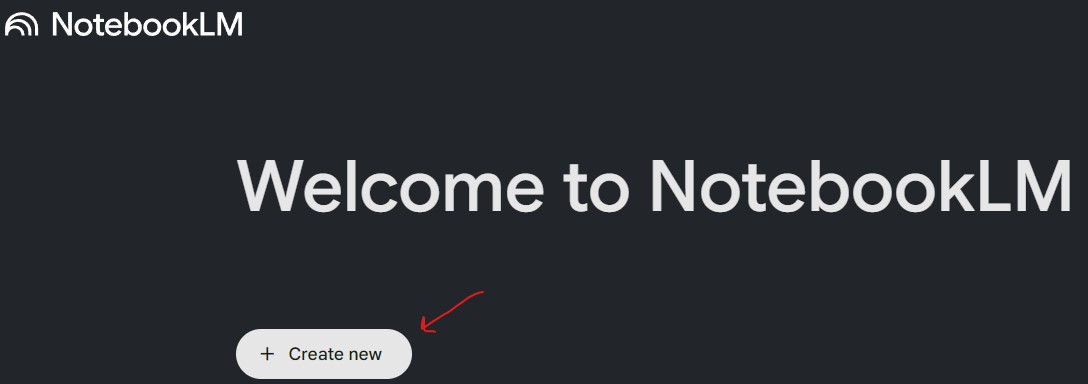
  1. Set up a new notebook in your own Google NotebookLM space. Call it whatever you want, although “NarrativeCV” makes sense
  2. Download the ZIP file I’m providing and unzip it to your computer
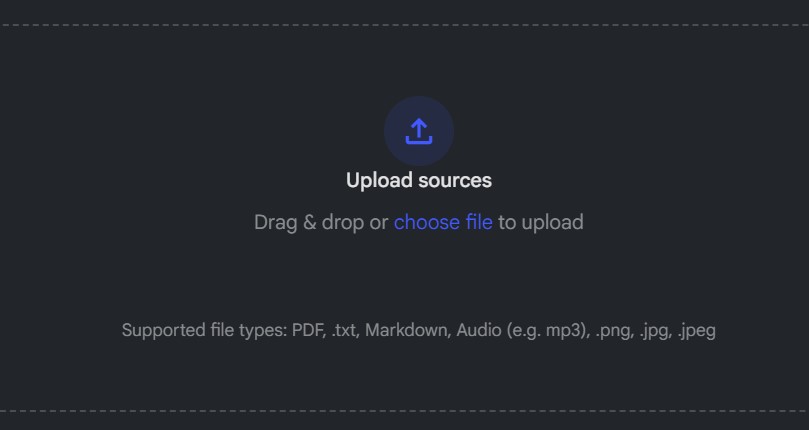
  3. Navigate to the “PDF sources” unzipped subfolder and upload each PDF as a “source” in your own notebook (you can drag & drop all at once, or select multiple in your file browser to upload).
  4. Navigate back to the main unzipped folder and open the “Narrative CV – Other Sources.txt” file.
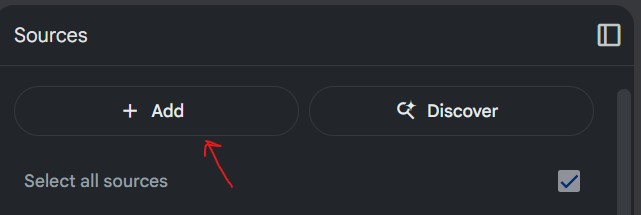
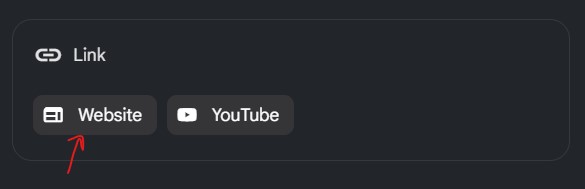
  5. Again, click “+Add” in the Sources pane in NotebookLM, and then click “Website” under “Link”
  6. Copy and paste all of the URLs from the .txt file into the space provided
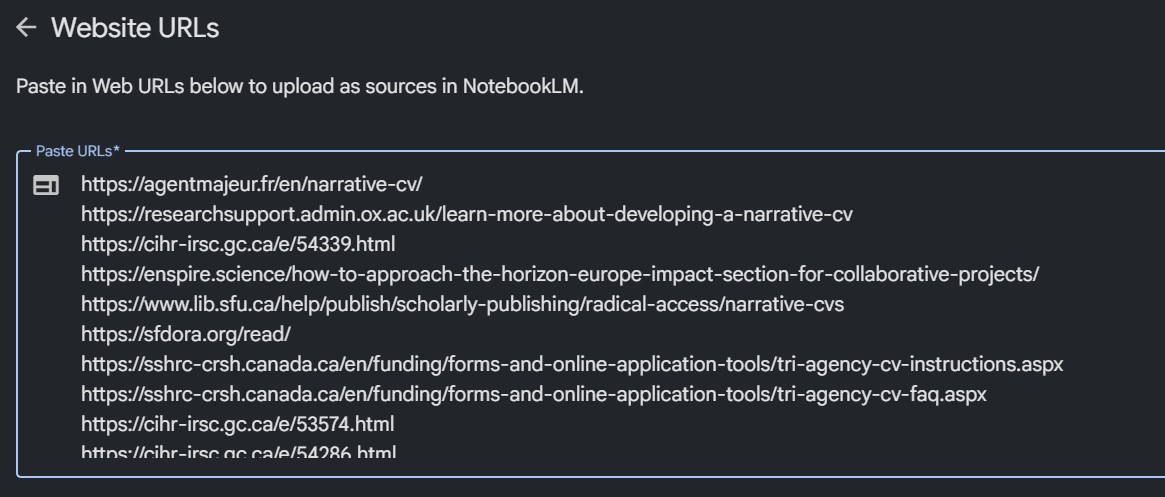
  7. You should have 19 total sources in your notebook.

From here, you will have a cloned copy of my own NarrativeCV notebook, which you can use to generate powerful example personal statements, most significant contributions statements, supervisory/mentorship statements, or a whole narrative CV. But it will be generic.

Personalizing Your Notebook

If you want to make your notebook personalized, follow the next steps, but be warned: you are responsible for your own decision to upload personal details into a public AI platform!:

  • Upload your most up-to-date traditional CV, ideally in PDF format
  • Add the URLs for any/all applicant instructions or opportunity details for your specific grant into your notebook as a source. This will allow it to tailor the outputs specifically, instead of writing generic sections. This is CRITICAL to producing tailored, specific, and relevant narrative CVs for each funding opportunity!
  • Add any/all open access publications directly into your notebook, either directly as PDFs and/or via URLs to the full text versions online
  • Add any/all online articles, contributions, or other outputs including existing biographical sketches or personal pages to your notebook
    • Essentially feed your notebook as much data about you as you’d like it to reference
    • Remember, you can only have up to 50 sources in any given notebook (on the free plan)
  • OPTIONAL: You can add full drafts of the research proposal itself into the notebook space as a source, so it can pull details in from the other sections and fit the narrative CV better to the full context of your application. But exercise EXTREME CAUTION with this – you are uploading unsubmitted grant materials to Google’s servers! Don’t do this without permission from your co-applicants/collaborators, and careful consideration of the privacy issues here.
  • Once you are satisfied with the personalized sources of data you’ve added about yourself as a scholar, you can start prompting NotebookLM in the “Chat” panel to produce a particular statement or section you’d like from the Tri-Agency CV. The more specific you are about what you’d like to emphasize, the better.
    • My recommendation is to ask for outputs separately for each section (a personal statement, most significant contributions statement, supervisory/mentorship statement) and then workshop these together instead of asking it to just “build me a narrative CV”

Double, triple, and quadruple check that the statement(s) provided by NotebookLM are accurate and summarize your research well. The more specific you are with your prompts, the better this will go for you (e.g., asking it to “write a narrative CV for me” will be much less useful than asking it to “write a significant contribution statement of 200-300 words about my work related to XYZ”). The outputs from the notebook prompts can be assembled and ideally re-written by you to form your narrative CV, or at least get inspiration.

See below for some ideas on how you might prompt the NotebookLM model in the “Chat” panel of the application.

Prompting Strategies/Tips
  • My recommendation is to ask for outputs separately for each section (a personal statement, most significant contributions statement, supervisory/mentorship statement) and then workshop these together instead of asking it to just “build me a narrative CV”
  • Start with your contributions first. Try and ask the model to brainstorm contributions with you, or feed it a few of your own (as individual notes in the sidebar). Once you have those stable, then move into the Supervisory section, and finally the Personal Statement.

Example prompts:

  • Can you write me a contribution statement, of no more than 300 words, that focuses on my XYZ?
  • I would like to start thinking about how to craft my Personal Statement section for the Tri-Agency CV format, based on my current traditional CV. Can you give me some ideas and example statements that could lead into a robust Most Significant Contributions section?”
  • Can you write me a supervisory and mentorship statement, in the style of a Tri-Agency CV, that focuses on my teaching experience at X, as well as my supervision of Y and Z individuals and the work they have done?
  • “Can you link my contribution X better to my personal statement, focusing on my Y achievements?”
  • “Does my contribution Y demonstrate both quality and impact per the reviewer guidelines and suggestions from the Tri-Agencies? Can I strengthen this more?”